Drillseye: Precision Drilling Made Easy

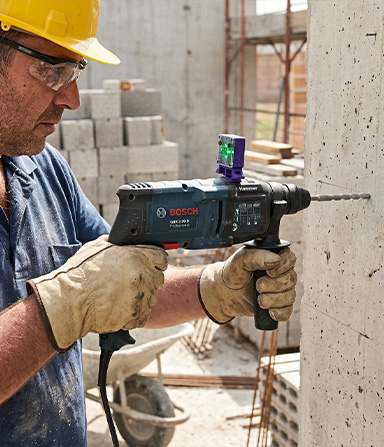
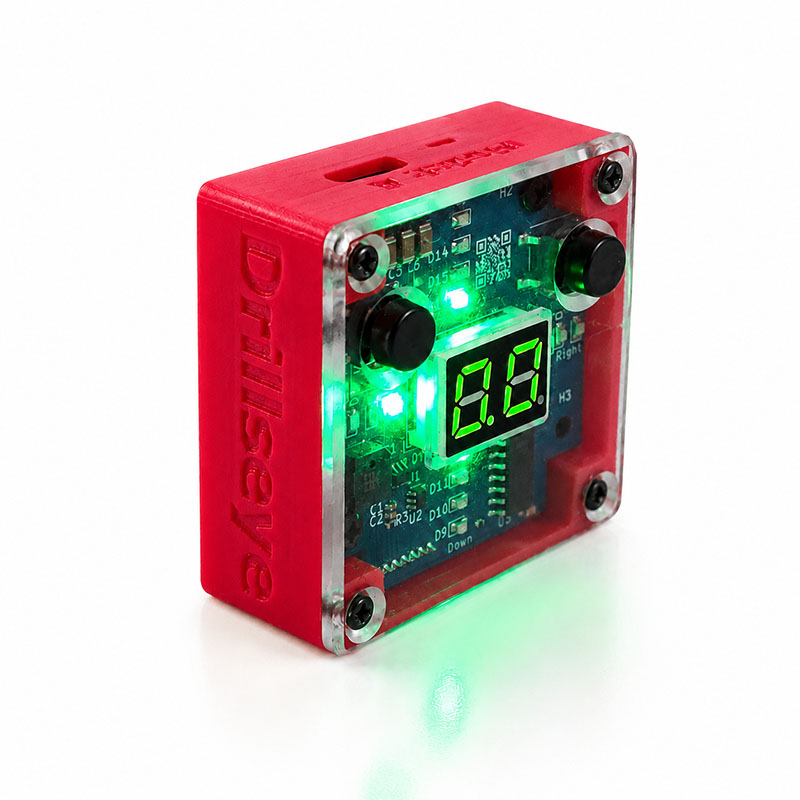
Introducing Drillseye, the smart attachment that transforms your ordinary drill into a precision instrument
Fits most standard drills  |  0.1 mm depth accuracy & 0.1° alignment accuracy (*)  |  USB-C rechargeable Fits most standard drills  |  0.1 mm depth accuracy & 0.1° alignment accuracy (*)  |  USB-C rechargeable

Benefits of Using Drillseye

Avoid skewed holes

Use real-time alignment guidance to keep your drill perpendicular and precise while you work

Stop drilling too deep

See the exact depth on screen and drill with confidence instead of guesswork

Choose your Drillseye

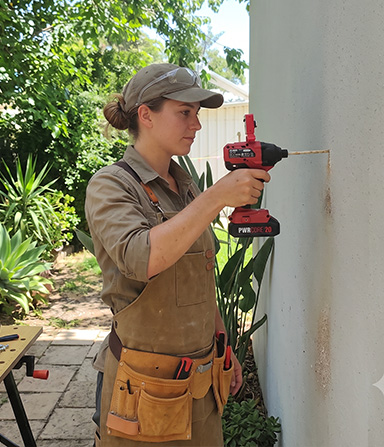
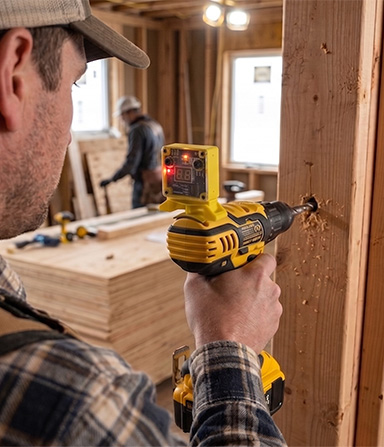
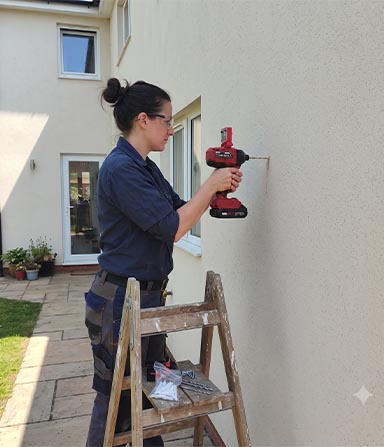
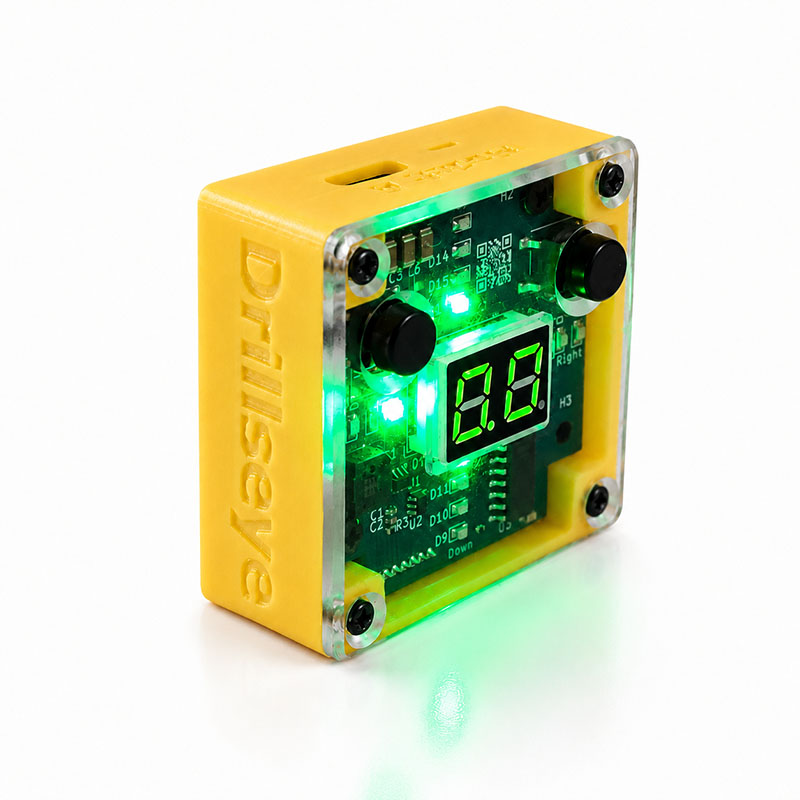
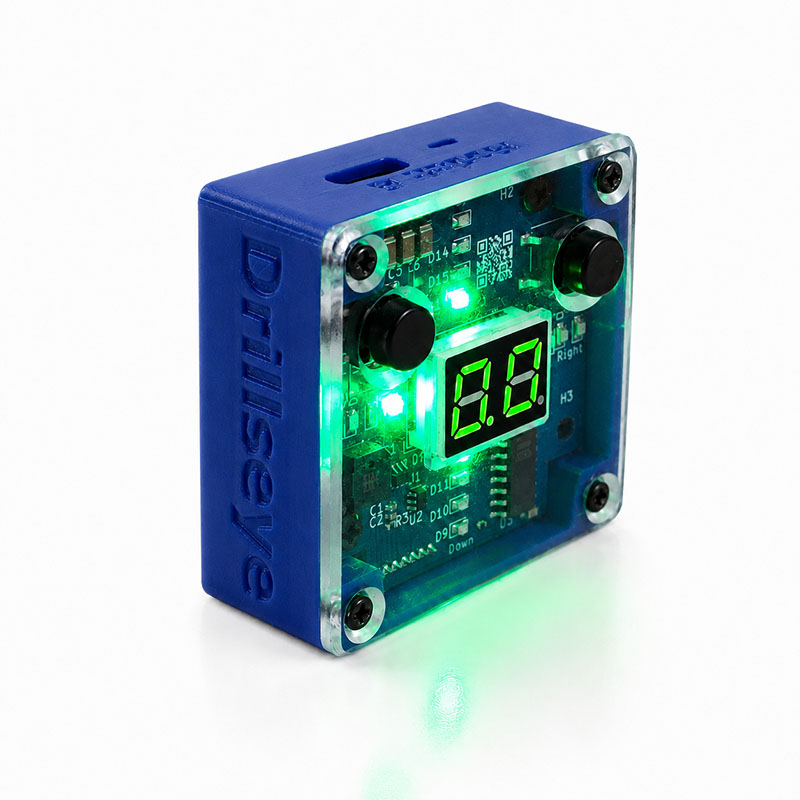
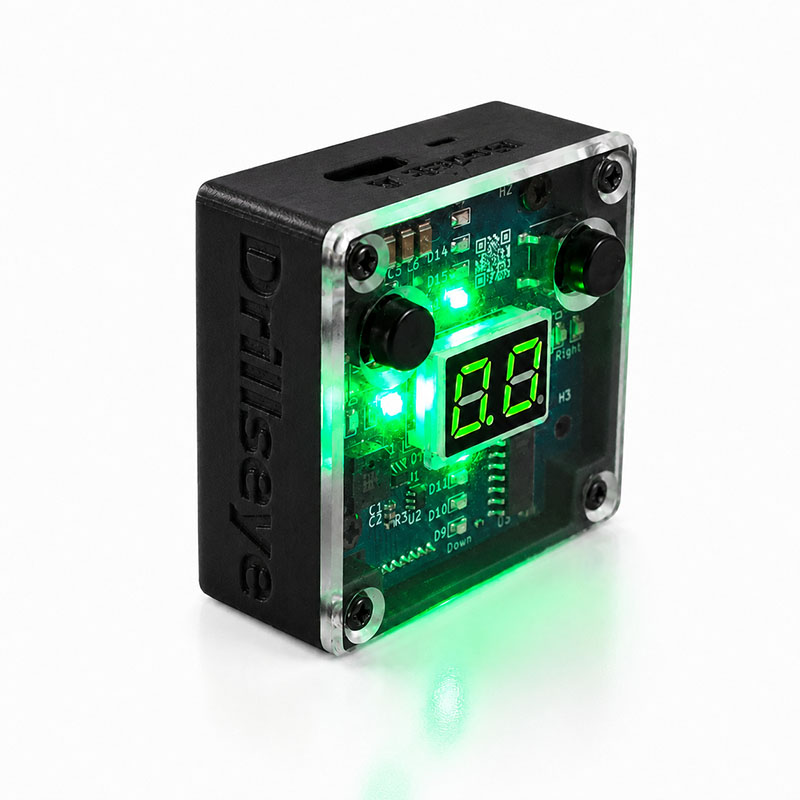
Available in 4 colors, choose the version that fits your tools, workspace or personal preference

How Drillseye Works

Drillseye uses acoustic sensors together with advanced signal‑processing algorithms to track the drill’s position and orientation in real time. It senses alignment in both the horizontal and vertical axes, assuming the drilling surface is flat. For vertical alignment (up–down), the system relies on the upper and lower sensors. For horizontal alignment (left–right), it uses the side‑facing sensors. Because of this, Drillseye requires an unobstructed path between its sensors and the drilling surface.

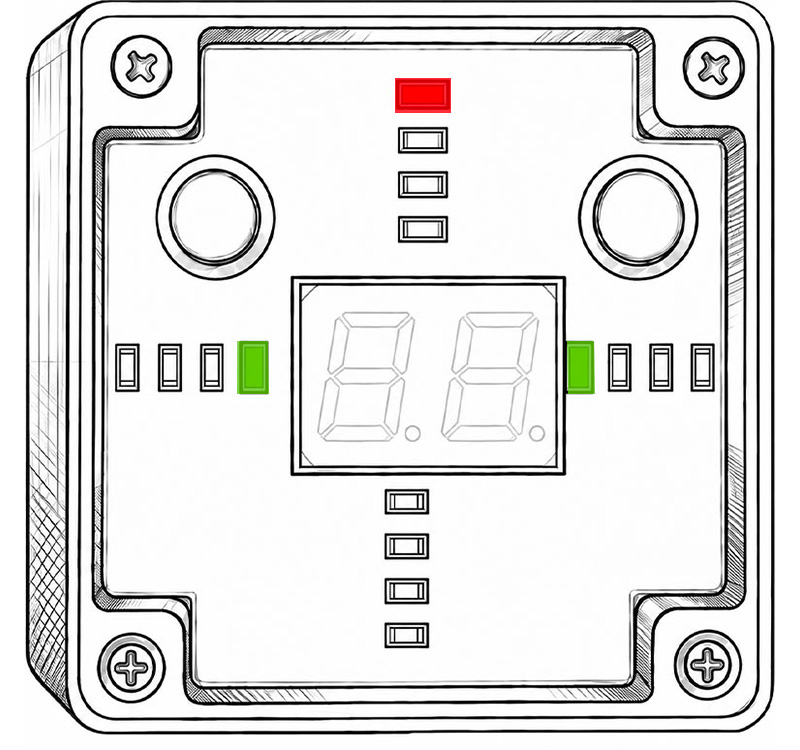
Horizontally aligned

The drill is aligned horizontally but too high vertically

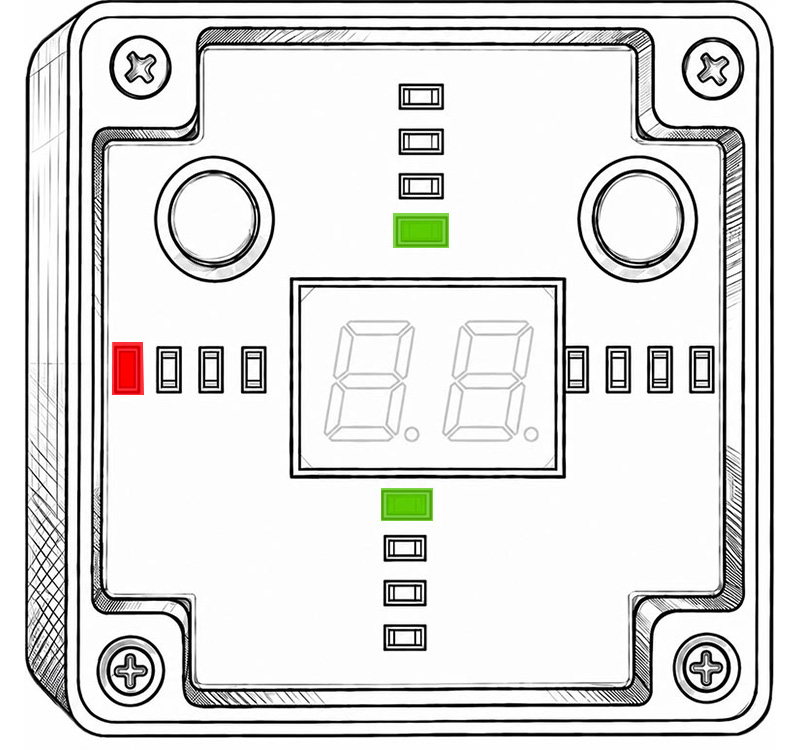
Vertically aligned

The drill is aligned vertically but tilted left horizontally

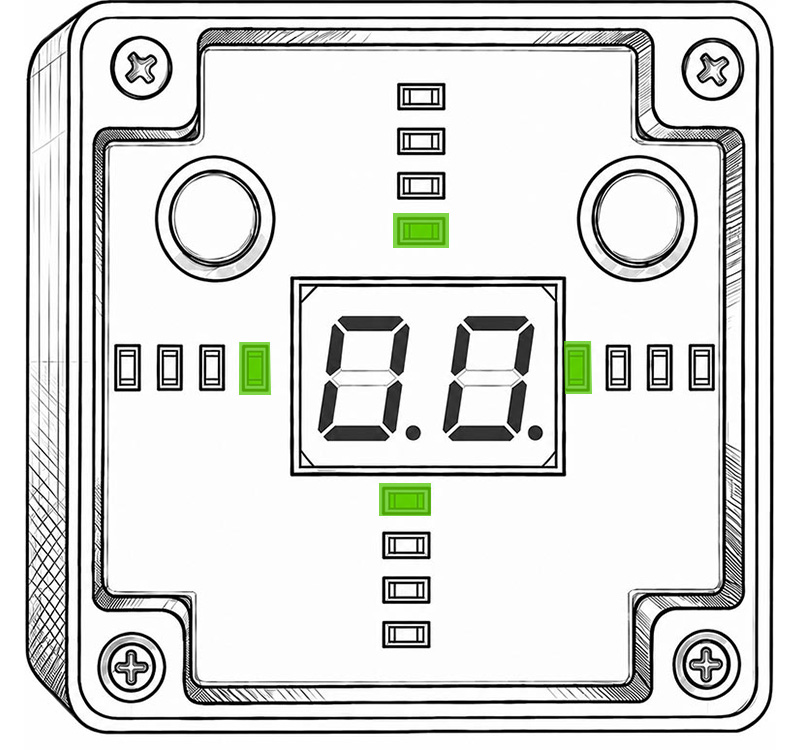
Ready to drill

The drill is perfectly aligned to the surface. Depth measurement started

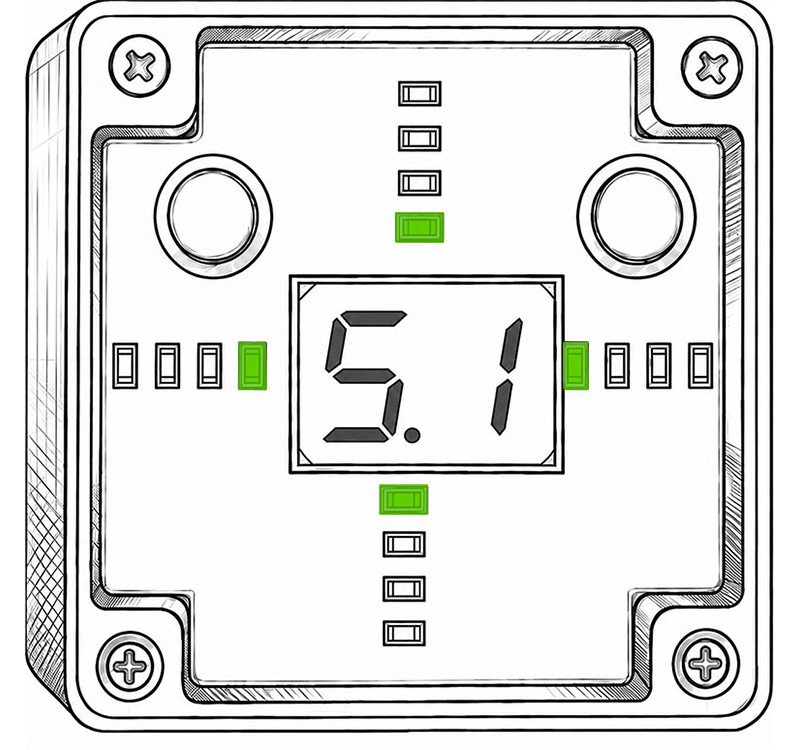
Depth

The drill bit is 5.1 cm in depth

Features

Measure depth in real time

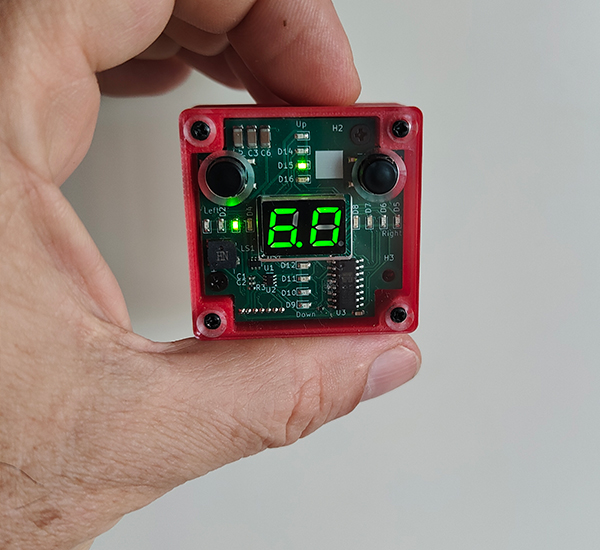
See in real-time the exact depth of your drilling on a clear digital display for easy reading.

Drill perfectly perpendicular

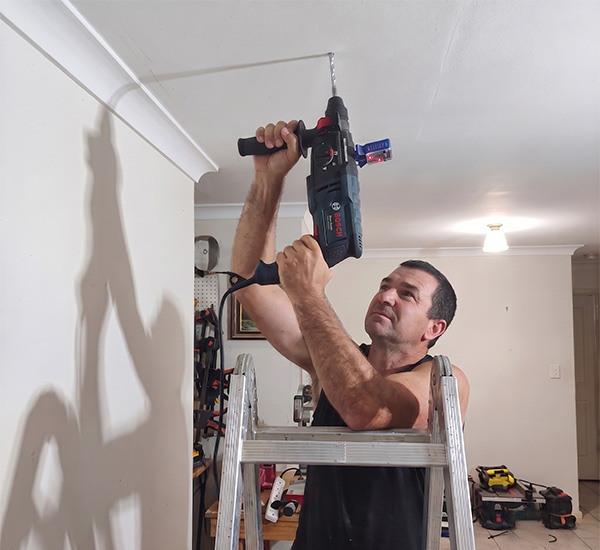
Ensure your drill is perfectly aligned on both horizontal and vertical planes using traffic light colors system and sound indication. Drillseye works on ceilings, floors, and flat surfaces positioned at an angle.

Detachable

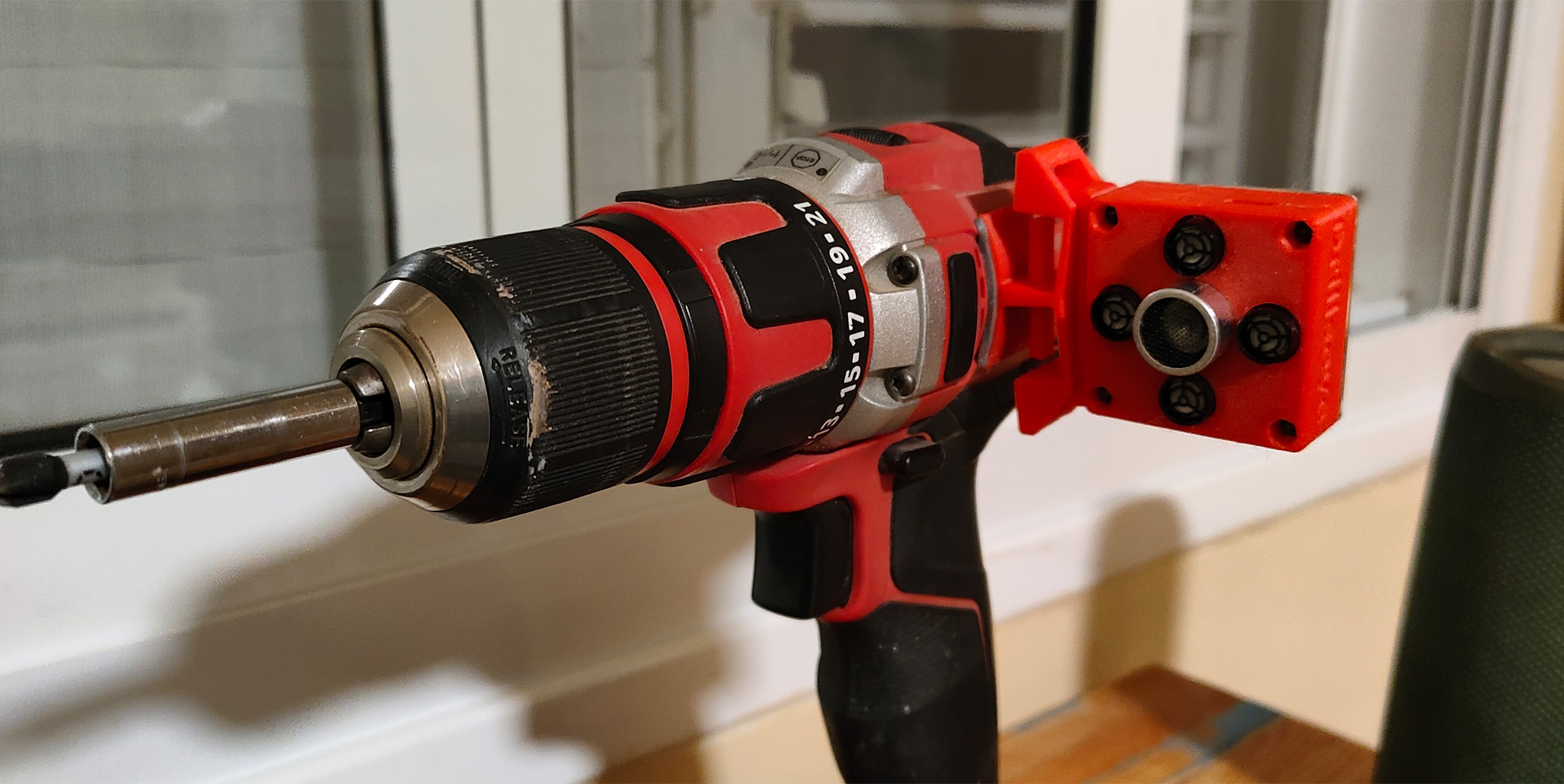
Fits most standard drills. While a small adapter stays fixed on the drill, Drillseye is designed for easy detachment and reattachment.
USB‑C rechargeable

Rechargeable battery ensures many days of work with uninterrupted operation.
One time calibration

The Drillseye requires a single calibration step after the adapter is permanently attached.

Fits all drill types

Drillseye can fit drills and electric screwdrivers.
Specifications

Feature

Specification

Size

42mm X 42mm x23mm

USB‑C rechargeable

(charger not included)

Depth Measurement Range

0-200mm

Depth Accuracy

0.1 mm

Alignment Accuracy

0.1 Degrees

Display Type

2 X 8 Segments Display 

Perfect For

Frequently Asked Questions

Decide whether to mount Drillseye on top of the drill or on its left side, then attach the adapter’s legs accordingly. Position the adapter on the drill, clean the drill’s surface, and press the double-sided adhesive pad firmly onto it. Attach Drillseye to the adapter.

Yes — a one-time calibration is required after attaching the adapter to a drill (and again if the adapter is moved to a different drill).

Drillseye uses acoustic sensors to track the drill’s tilt on the horizontal and vertical axes against a flat surface. LEDs move through a red → orange → yellow → green “traffic light” as you align the drill, with a long beep once all LEDs are green. At that point Drillseye automatically switches to real-time depth measurement; retracting the drill back to 0 cm returns it to alignment mode.

Yes. Use the Axis Selection setting in the menu to switch to vertical-only or horizontal-only mode, matching the orientation of the beam you’re drilling into.

Long-press the left button to open the menu and cycle through Units, Buzzer, Axis, Resolution and Factory Reset. Release when the option you want appears, then use short presses of the right button to change its value. A short press of the left button returns Drillseye to normal measurement mode.

A single display segment rotating around the screen means Drillseye cannot get a valid measurement (excessive tilt, out of range, or low battery). Charge the device, and if the problem continues, reset it by briefly pressing both buttons at the same time.

Recalibrate the device and make sure the drilling surface is smooth and flat. If you’ve switched Drillseye to a different drill, it must be recalibrated for that drill as well. Fully charge Drillseye.

A full charge takes about 2 hours via USB‑C. The LED glows red while charging and turns green when the battery is full. With a full charge, Drillseye provides roughly 2 hours of continuous operation, depending on your settings. If stored, recharge the battery at least once every 3 months.

No. Drillseye is designed for home use and is not IP67-rated — keep it away from water and dust.

Drillseye is covered by a 6-month warranty from the date of purchase, covering essential components including the battery. For support, contact [email protected].

Briefly press both buttons at the same time.

Drillseye is coming soon

Want to know when it’s available? Contact us

Disclaimer: * Drillseye offers guidance only. Accuracy may vary. Always double-check measurements and use proper safety practices.